China Best Cleaning Robots Why Is My Robot Missing Spots?

Time:2026-11-01 Author:Isabella
0%

A robot vacuum can map a room and still leave dust along the baseboards. A chair leg, dark rug, loose cable, or sudden change in lighting may interrupt its route. If you are asking, “why is my cleaning robot missing spots,” the cause may be navigation, brush design, sensor limits, or a setup problem—not necessarily a faulty machine.

The International Federation of Robotics’ World Robotics 2024 report recorded 19.1 million consumer service robots sold worldwide in 2023, an 11% rise from the previous year. That figure covers many kinds of household robots, not just cleaners, and it does not measure how often they miss debris. Still, it shows why dependable cleaning matters to a growing number of homes. Small details matter: a full dustbin, tangled hair, a blocked sensor, or a map that no longer matches the furniture can leave visible patches behind.

This guide examines common causes and practical fixes, from checking brushes and cleaning schedules to improving room maps and testing edge coverage. A precise expert quotation cannot be verified from the supplied material, so none is attributed here. That matters. Advice should be traceable, not dressed up as authority. Begin with the missed area itself: note where it sits, what is on the floor, and whether the robot passes nearby. A little observation can reveal a lot.
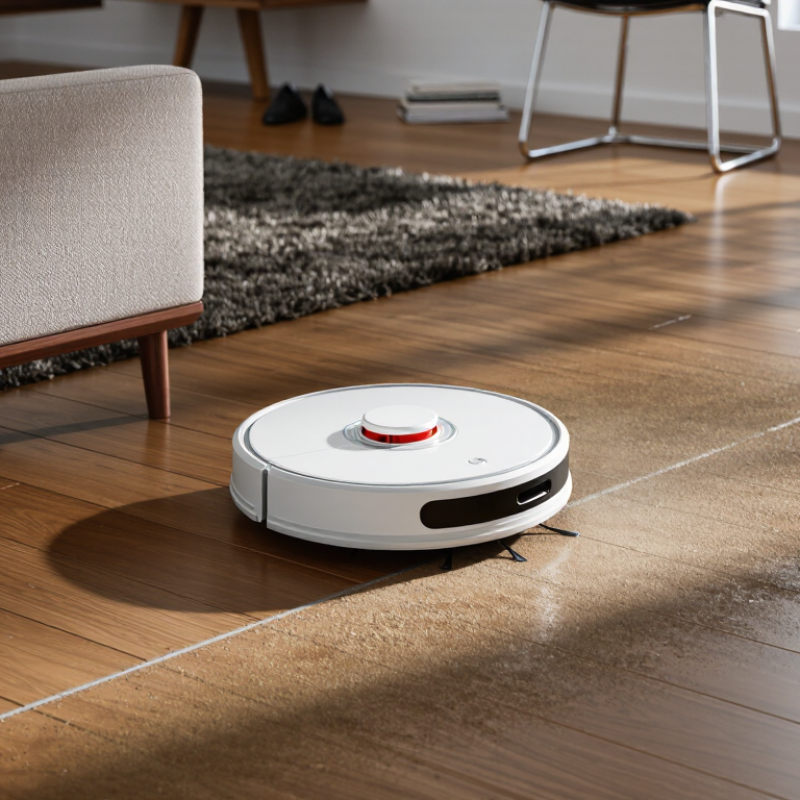
China Best Cleaning Robots Why Is My Robot Missing Spots?

What “Missed Spots” Mean in IEC 62885-7:2020 Robot-Cleaner Tests

When a robot leaves crumbs beside a chair, “missed spots” sounds obvious. In IEC 62885-7:2020, however, the term relates to robot-cleaner performance under controlled test conditions. Results describe cleaning coverage on a defined test area. They do not promise that every edge, rug fringe, or cable gap will be cleaned. Room layout and floor texture can change a robot’s route. Real rooms are messier.

To interpret a coverage result, check what surface was tested and how remaining debris or untreated areas were assessed. A smaller missed area can indicate more complete coverage in that setup, but it cannot explain why a patch was missed. A robot might turn early at a chair leg or follow a slightly inaccurate map. The test is useful, not a diagnosis. Compare the test conditions with your own floors, and watch a full cleaning run if possible. Standards provide structure; one dropped oat near a table leg provides context. I may be asking a test number to explain too much.

How SLAM Mapping and LiDAR Guide Cleaning-Robot Coverage

China Best Cleaning Robots: Why Is My Robot Missing Spots?

A robot can draw a neat map and still miss a strip beside the sofa. SLAM combines location estimates with a changing map, helping the machine plan where to travel. LiDAR measures nearby distances, often by scanning surfaces with laser light. Together, these tools can guide orderly routes instead of random wandering. But a map is not a promise of complete coverage. Dark or reflective surfaces, narrow gaps, moved furniture, and tangled cables may confuse sensing or block the cleaning path. It is easy to blame the map; sometimes the room setup is the real problem.

Tips: Clear loose cables and open interior doors before a run. Check the saved map for blocked zones or odd boundaries. If a familiar corner stays dusty, move a chair slightly and try again.

Watch the robot’s route for one full cleaning cycle. Does it turn away from a low table, or repeatedly circle one chair leg? Those small patterns can point to a practical obstacle. A LiDAR sensor may detect a wall reliably yet miss a thin object close to the floor. SLAM can also struggle when the layout changes between runs. I would not treat one skipped patch as proof of a faulty system; repeated gaps deserve a closer look. Keep the floor reasonably clear, update the map after major changes, and compare the robot’s route with the actual room.

Why 90° Corners and Edge Clearance Leave Blind Spots

A robot can clean an open floor well and still leave dust in a sharp corner. Its round body cannot fit tightly into a 90° angle, so the brushes may pass nearby without reaching the last few centimeters. Watch the corners.

Edge clearance creates a second gap. Wall sensors and bumpers help a robot avoid scraping furniture, but they usually keep a small distance from the edge. That safety margin can leave crumbs beside skirting boards, chair legs, or a cabinet toe-kick. A side brush may flick some debris inward, though its reach and angle vary by design. Fine dust can remain.

To check the pattern, look at the floor after a normal run, especially behind doors and beneath low cabinets. A few missed grains do not always mean poor navigation; room shape, loose cables, and changes in floor texture can alter the route. Still, repeated clean strips with untouched corner patches suggest a geometric limit, not a one-time glitch. Move obstacles away and run the same area again. If the same spots remain, occasional manual edge cleaning may be more realistic than expecting perfect coverage. Cleaning robots are helpful, but corners are unforgiving.

How 2.4 GHz Wi-Fi Can Affect App-Controlled Cleaning Runs

When a robot seems to skip a patch, weak Wi-Fi may be part of the story, but it is not the only explanation. Many cleaners follow a saved route after a run begins. A crowded 2.4 GHz network can delay app commands, map updates, or start signals. In a hallway behind two walls, the app may show progress late. That is a clue, not proof. Cables, chair legs, and dark thresholds can also redirect a cleaning path.

Tips: Test the robot near the router, then compare the app’s map with its actual path. Keep the router away from metal cabinets and other electronics. If the map stops updating in one room, check signal strength there. Small changes help. Restarting the router may help too, though it will not fix a blocked wheel or a confusing floor plan.

If the robot cleans normally when started by its onboard button, but app control becomes unreliable farther away, connectivity is worth investigating. Some homes have crowded wireless channels, and a 2.4 GHz signal can still weaken through several walls. I used to blame the robot for every missed strip; that was too simple. Check brushes, sensors, and room layout before changing network settings. A slow app display does not always mean the robot missed the spot.

Which Checks Improve Coverage: Maps, Brushes, Sensors, and Test Logs

China Best Cleaning Robots: Why Is My Robot Missing Spots?
Which Checks Improve Coverage: Maps, Brushes, Sensors, and Test Logs

A robot can miss a strip beside a chair even when its map looks complete. A tidy map can still lie. Check the saved map for closed doors, duplicate rooms, and furniture that moved after mapping. Then watch one cleaning run: does the robot enter the gap, or turn away before reaching it? The International Federation of Robotics’ World Robotics 2024 report recorded 19.7 million consumer service robots sold in 2023. That broad figure shows adoption, not cleaning quality; coverage still needs room-level checking.

Inspect the brush for wound hair, bent bristles, and dust packed near the ends. A worn or obstructed brush may leave visible grit along wall edges. Wipe sensor windows gently, then check for reflections, dark rugs, or cables that could alter navigation. IEC 62929:2014 describes test methods for dry-cleaning robots, reinforcing the value of repeatable conditions. Try the same room, floor, lighting, and starting point three times. Keep a simple log: date, missed area, map changes, brush condition, and sensor alerts. Photos help. So do timestamps. If the missed patch shifts between runs, suspect navigation; if it stays in one place, inspect access or brush contact. I’d still treat a single test as weak evidence.

Why Is My Robot Missing Spots?

This illustrative test log shows how recorded floor coverage might change as map, brush, sensor, and route checks are completed. Values are example data, not a product benchmark.

Compare coverage under the same conditions after each check. Review the map for blocked or missed areas, clear brushes and sensors, and use test logs to spot repeatable gaps.

FAQS

What does “missed spots” mean in IEC 62885-7:2020 testing?

It describes cleaning coverage within a defined test area and controlled conditions. Real rooms differ.

Does a low missed-area result mean every corner will be cleaned?

No. Chair legs, rug fringes, cables, and floor textures can affect the route. Not every edge.

What should I check when comparing coverage results?

Check the tested surface and how remaining debris or untreated areas were assessed. The setup matters.

Can a test result explain why a robot missed one patch?

Not by itself. A robot may turn early at a chair leg or follow an inaccurate map. I may expect too much from one number.

Can weak 2.4 GHz Wi-Fi cause a cleaning area to be missed?

It may delay app commands or map updates, especially through several walls. But it is only one possible cause.

How can I tell whether Wi-Fi is affecting app control?

Start the robot near the router, then compare the app map with its actual path. A slow display is not proof.

What should I check before changing network settings?

Check brushes, sensors, wheels, cables, and room layout. Small obstacles matter.

What if the robot cleans normally using its onboard button?

If app control becomes unreliable farther away, connectivity is worth checking. A restart may help, but it will not fix every problem.

Conclusion

Missed spots are areas a robot cleaner repeatedly leaves untouched or fails to reach, and test results can help distinguish occasional gaps from a consistent coverage problem. In IEC 62885-7:2020 robot-cleaner testing, coverage is assessed under defined conditions, so room layout, obstacles, and the test setup can affect what the results show. Mapping systems use SLAM to build and update a room plan, while LiDAR helps estimate distances and guide movement. Even with these tools, tight 90-degree corners and the small clearance around edges can remain difficult to clean.

If you’re asking, “why is my cleaning robot missing spots,” start by checking its saved map, cleaning route, and sensor condition. Worn or tangled brushes, blocked sensors, or changes to furniture can disrupt navigation and pickup. App-controlled runs may also be interrupted if a 2.4 GHz Wi-Fi connection is weak or unstable. Reviewing maps and test logs, cleaning the sensors and brushes, and running a supervised pass can help identify where coverage breaks down and which adjustment may improve it.

Isabella

Isabella

Isabella is a dedicated marketing professional with a sharp focus on driving brand growth and engagement through strategic content creation. With an extensive background in digital marketing, she combines her passion for storytelling with her keen understanding of industry trends to deliver......